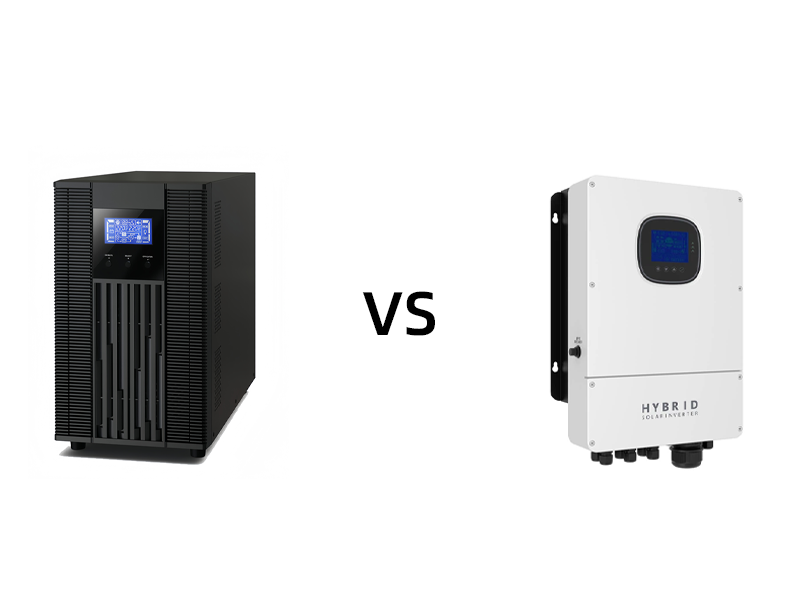

Both types of UPS keep your equipment running when the power cuts. The difference is what happens while the power is on and at the moment it fails. An offline (line-interactive) UPS passes mains power to your equipment and switches to its battery when the supply fails, which takes a few milliseconds. An online (double-conversion) UPS powers your equipment through its inverter all the time, so there is no switchover at all (0 ms transfer time) and the output stays clean even when the supply is poor.
In Lebanon, where the supply moves between EDL, a building generator and battery backup several times a day, that difference decides which UPS suits each piece of equipment.
How an offline (line-interactive) UPS works
In normal operation, a line-interactive UPS feeds mains power to the load through an automatic voltage regulation (AVR) transformer. The AVR boosts low voltage and trims high voltage without touching the battery. When the supply fails or moves outside the UPS's input range, the UPS switches the load to its inverter and battery.
Schneider Electric describes line-interactive as the dominant UPS type in the 0.5–5kVA range, thanks to its low cost, small size, high efficiency and ability to correct low or high line voltage. Schneider Electric White Paper 1: The Different Types of UPS Systems
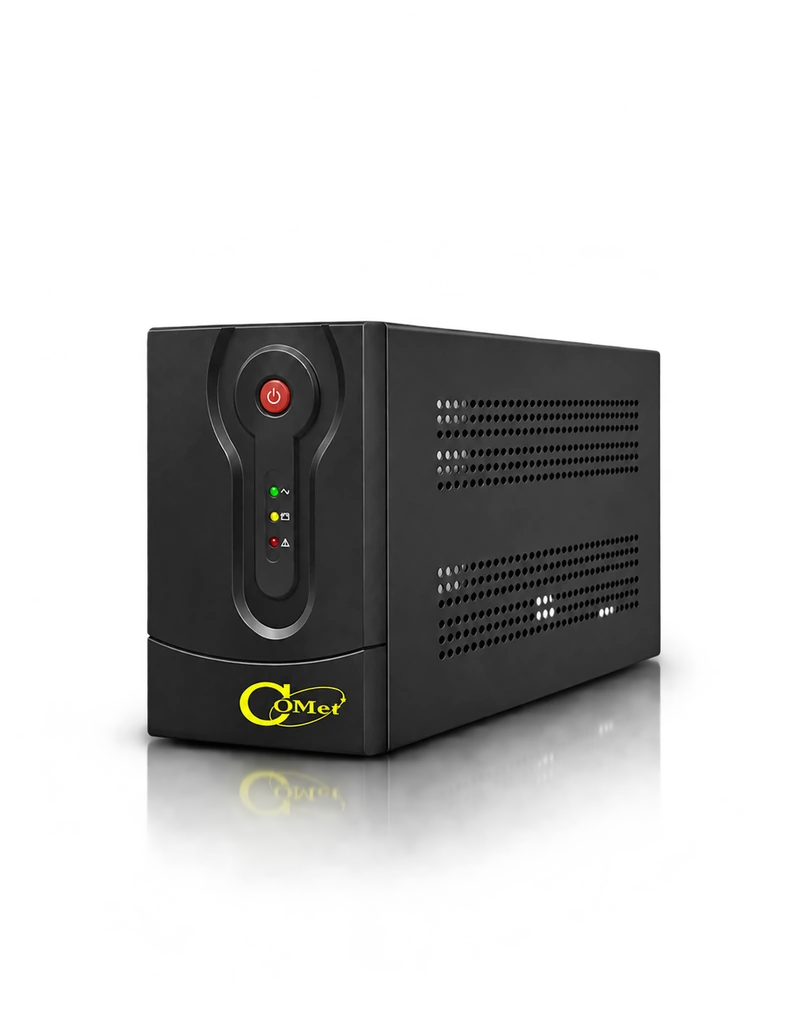
Roukoz sells these as the Comet "Offline UPS" range. Their datasheets describe them as K Series line-interactive units:
| Model | Capacity (VA / W) | Mains input range | Transfer time | Battery-mode waveform | Internal battery |
|---|---|---|---|---|---|
| Comet 750VA | 750VA / 360W | 145–280V | 2–6 ms typical, 10 ms max | Modified sine wave | 1 × 12V 7Ah |
| Comet 1600VA | 1600VA / 1000W | 145–280V | 2–6 ms typical, 10 ms max | Modified sine wave | 2 × 12V 7Ah |
| Comet 2000VA | 2000VA / 1200W | 145–280V | 2–6 ms typical, 10 ms max | Modified sine wave | 2 × 12V 9Ah |
750VA datasheet · 1600VA datasheet · 2000VA datasheet
These units suit desktop computers, routers, modems, POS terminals, TVs and home office setups: equipment that rides through a few milliseconds of switchover and needs minutes, not hours, of backup.

How an online (double-conversion) UPS works
An online UPS converts incoming AC to DC, then an inverter converts it back to a new, clean AC output. The battery sits on the DC side. When the supply fails, the inverter keeps running from the battery, and because the power path never changes, there is no transfer time. Schneider Electric notes that double-conversion units provide nearly ideal output and are the most popular type above 10kVA, where they protect large numbers of critical servers and networking equipment. Schneider Electric White Paper 1
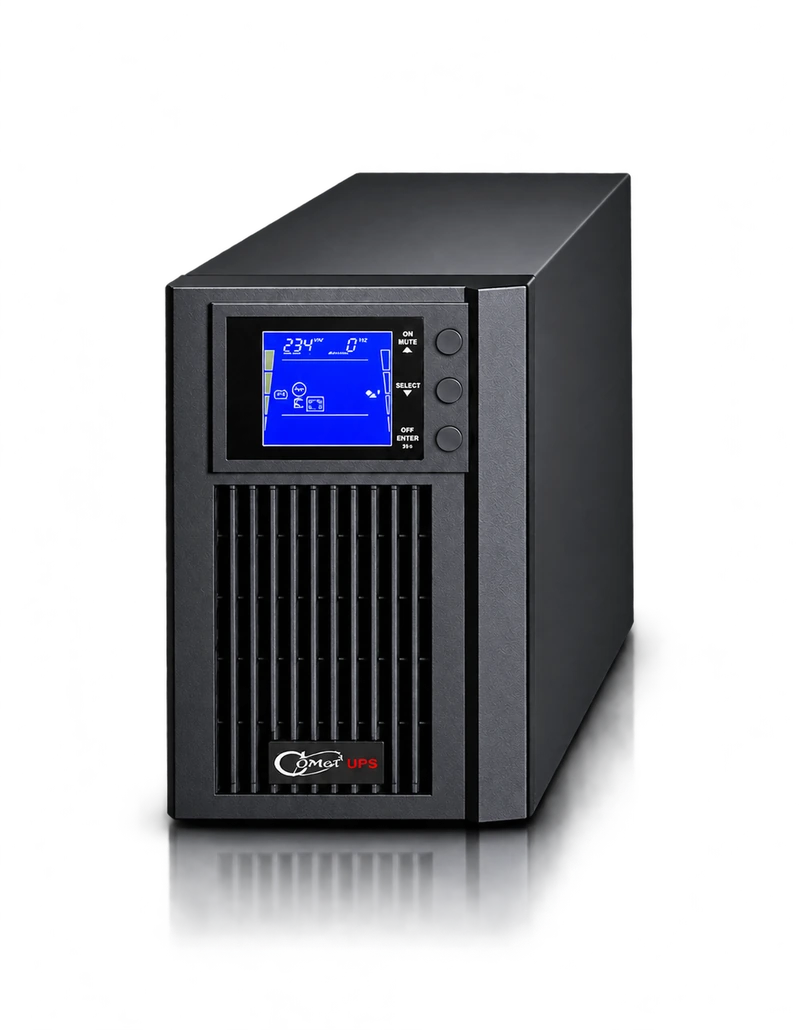
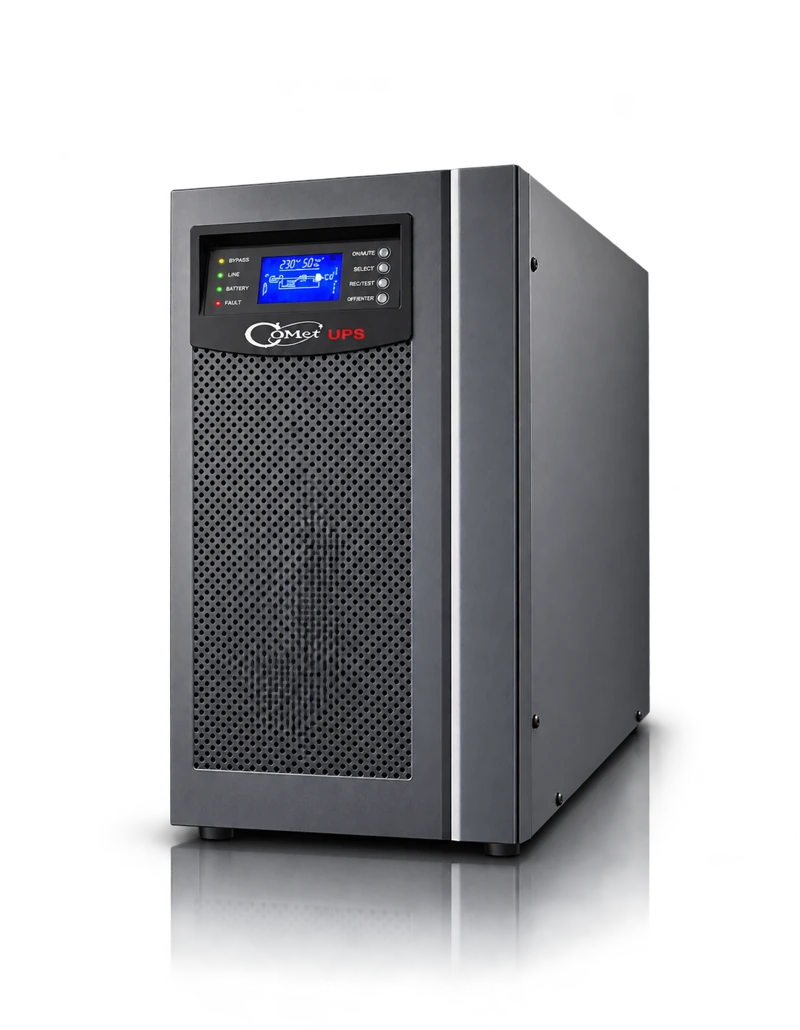
The Comet online UPS datasheets list:
| Specification | Comet Online UPS (single-phase) |
|---|---|
| Input voltage range | 115–300V |
| Output voltage | 220/230/240V ±1% |
| Waveform | Pure sine wave, THD under 3% on linear loads |
| Transfer time (mains to battery) | 0 ms |
| Output power factor | 0.9 (for example, 3kVA = 2.7kW) |
| Input power factor | Above 0.98, with active power factor correction |
| Standard backup time | At least 10 minutes at half load and 5 minutes at full load on internal batteries |
| Generator use | Can be connected to generators |
Comet Online UPS 3kVA datasheet · Comet Online UPS 6kVA datasheet
Online vs offline UPS side by side
| Offline (line-interactive) UPS | Online (double-conversion) UPS | |
|---|---|---|
| Normal operation | Mains passes through, corrected by AVR | Every watt goes through the inverter |
| Switch to battery | 2–6 ms typical (Comet K Series) | 0 ms, no switchover |
| Output on battery | Modified sine wave (Comet K Series) | Pure sine wave |
| Voltage correction | Boost and trim within 145–280V input | Regulated ±1% from 115–300V input |
| Generator power | Uses the battery when frequency or voltage drifts | Smooths frequency and voltage variations in normal operation |
| Typical loads | PCs, routers, POS, TVs, home office | Servers, clinics, labs, CCTV recorders, gaming lounges, sensitive equipment |
| Comet sizes | 750VA, 1600VA, 2000VA | 1–10kVA single-phase; 10–40kVA three-phase |
| Cost | Lower | Higher |
The output waveform matters for some equipment. Schneider Electric notes that nearly all UPSs rated 2kVA and above produce a sinusoidal output, while many consumer UPSs below 2kVA do not. Schneider Electric White Paper 1 If you plan to run motors, medical devices or equipment whose manual asks for a pure sine wave supply, choose an online model.
Why generator power often calls for an online UPS
A private generator's frequency and voltage can drift, especially when large loads switch on and off. Standby and line-interactive UPSs rely on their battery to keep those frequency variations away from the load. A double-conversion UPS rebuilds the sine wave, so it filters them as part of normal operation and preserves battery life. EC&M: Ensuring Generator and UPS Compatibility
In practice, if an offline UPS beeps and switches to battery repeatedly while on generator power, the generator's output is falling outside its input window. That drains the battery before an actual power cut. For equipment that runs for long hours on a generator, an online UPS is usually the better choice. The same EC&M article warns against sizing a generator too closely to the UPS when there is little other load on it. Tell your generator supplier the UPS rating if you are installing a large unit.
What size UPS do you need?
- List the equipment the UPS will protect and note the watts from each label or power supply.
- Add the loads that run together and compare the total with both the VA and W ratings. A UPS must stay within both. For example, the Comet Online 3kVA delivers up to 2,700W, and the Comet 1600VA offline model up to 1,000W.
- Leave headroom. Running a UPS at 60–80% of its rating gives longer backup and room to add equipment.
- Decide how much backup time you need. Short backup to save work and shut down safely needs only the internal batteries. Hours of backup through long EDL cuts needs a long-run model with an external battery bank.
| Example | Assumed equipment | Running load | Suggested Comet UPS |
|---|---|---|---|
| Home office | PC 200W, monitor 30W, router 20W | 250W | Offline 750VA (360W) |
| Small office or shop | Two PCs, POS, router, printer standby, about 700W | 700W | Offline 1600VA (1,000W), or Online 1kVA (900W) for sine-wave output |
| Clinic or lab equipment | Sensitive equipment and computers, about 1,800W | 1,800W | Online 3kVA (2,700W) |
| Server room or gaming lounge | Servers, switches and NVR, about 4,000W | 4,000W | Online 6kVA (5,400W) |
| Larger building or workshop | About 25kW across three phases | 25,000W | Online 30kVA three-phase (27kW) or 40kVA (36kW) |
These loads are illustrative inputs. Measure or read the actual figures from your equipment labels before choosing.

How long will a UPS run during a power cut?
On their standard internal batteries, the Comet Online 1kVA, 3kVA and 6kVA datasheets list at least 10 minutes at half load and 5 minutes at full load. That's enough to save work and shut down safely, not to ride through a long EDL cut.
For longer backup, choose a long-run model and add an external battery bank. As an illustrative calculation, eight 12V 100Ah batteries in series make a 96V bank storing 9,600Wh nominally. Using 50% of that capacity at an assumed 90% inverter efficiency gives about 4,320Wh for the load. At a steady 1,000W, that's roughly 4.3 hours. Your installer should confirm the exact battery count and voltage the UPS model requires, its charging current, and the battery maker's discharge tables.
Remember that the batteries also need time to recharge before the next cut. Comet's datasheets give about 5 hours to reach 90% on the standard internal batteries, and longer for large external banks. For battery choice and replacement, see our UPS replacement battery guide.
Single-phase or three-phase UPS?
Homes, offices and small clinics usually need a single-phase UPS. The Comet online range covers 1, 2, 3, 6 and 10kVA single-phase. Browse online UPS
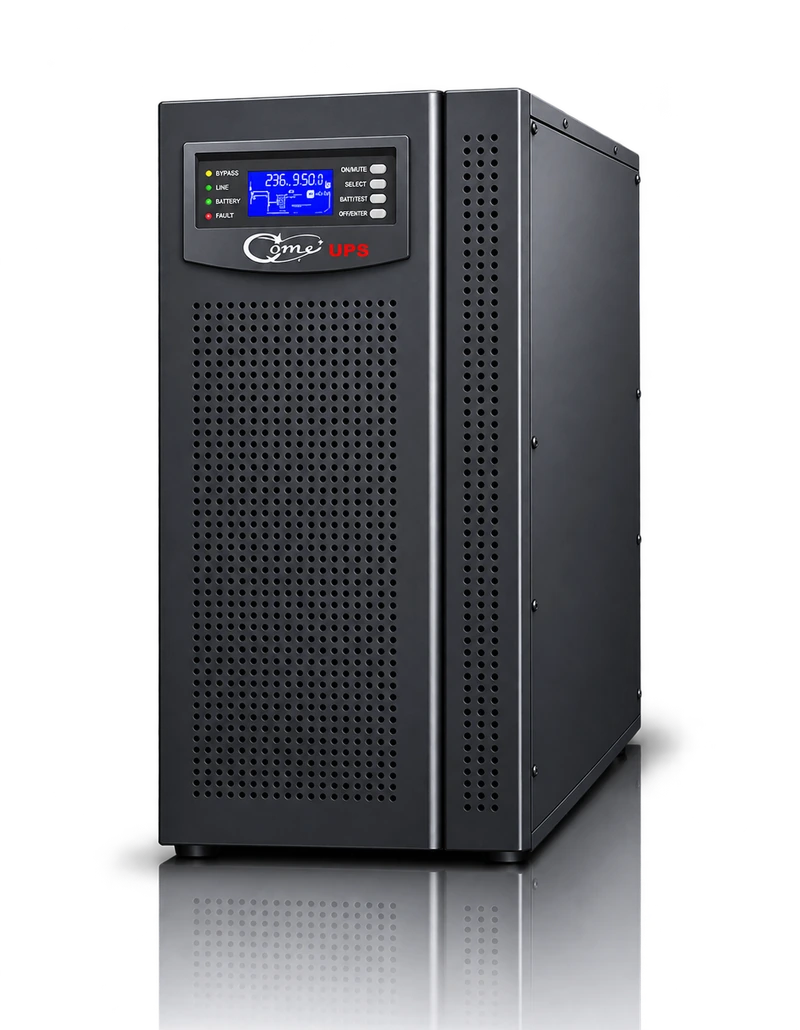
Larger sites with a three-phase supply can use the Comet 10, 20, 30 and 40kVA three-phase online UPS. These accept a 3 × 380/400/415V input with neutral. According to the product listings, the 10kVA and 20kVA models can also deliver single-phase output from a three-phase input. 10kVA three-phase · 20kVA · 30kVA · 40kVA
Do you need a UPS, an inverter or a stabilizer?
- UPS: instant backup for computers, networks and sensitive equipment, usually for minutes to a few hours.
- Inverter: longer backup for household loads from a large battery bank. See UPS vs inverter: which one do you really need?
- Voltage stabilizer: corrects low or high voltage while power is on, with no backup during a cut. See our voltage stabilizer guide.
An online UPS already regulates its output to ±1%, so equipment behind it doesn't need a separate stabilizer.
Frequently asked questions
What is the difference between an online and an offline UPS?
An offline (line-interactive) UPS passes mains power through and switches to its battery when the power fails, which takes a few milliseconds. An online (double-conversion) UPS powers your equipment through its inverter all the time, so there's no switchover and the output is a clean sine wave.
Is an online UPS worth the extra cost?
Yes, for servers, medical and lab equipment, CCTV recorders, and anything that runs for long hours on generator power or needs a pure sine wave. For a single PC and router at home, an offline UPS is usually enough.
Can I use an offline UPS with a generator?
Yes. Comet's line-interactive datasheets state generator compatibility. If the generator's frequency or voltage drifts outside the UPS's input range, though, the UPS will switch to battery to protect the load. If that happens often, an online UPS is the better fit.
How long will a 3kVA online UPS run my office?
On its internal batteries, the Comet Online 3kVA datasheet lists at least 10 minutes at half load (about 1,350W) and 5 minutes at full load. For hours of backup, choose a long-run setup with an external battery bank sized to your load.
What does 0 ms transfer time mean?
The equipment never sees a gap in power when the mains fails, because an online UPS is already supplying it from the inverter. An offline UPS needs a few milliseconds to switch over.
Should I choose a single-phase or three-phase UPS?
Match the UPS to your supply and your load. Most homes and offices are single-phase. Workshops, factories and large buildings with a three-phase supply and heavy loads usually need a three-phase UPS.
Ask for a UPS sized for your setup
Send Roukoz a list of the equipment you need to protect, its power ratings, how long you need it to run during a cut, and whether your supply is single-phase or three-phase. Mention whether the site runs on generator power. Our team will recommend a model and confirm availability. Browse UPS systems · Contact Roukoz Electronics
Sources
- Schneider Electric, White Paper 1: The Different Types of UPS Systems (V10)
- EC&M, Ensuring Generator and UPS Compatibility
- Comet line-interactive UPS datasheets: 750VA · 1600VA · 2000VA
- Comet online UPS datasheets: 3kVA · 6kVA · 10kVA three-phase